The Problem: Modern web games suffer from Garbage Collection (GC) stutters and long loading screens.
The Solution: A custom engine built on Zero-Allocation Memory Pooling and Spatial Partitioning Grids to achieve 144Hz performance with zero loading time.
We’ve all experienced it. You boot up a highly-anticipated 2D indie game maybe a platformer or a simple roguelite and you are immediately greeted by a massive splash screen, followed by a loading bar, followed by a menu, followed by another loading screen before you even see gameplay.
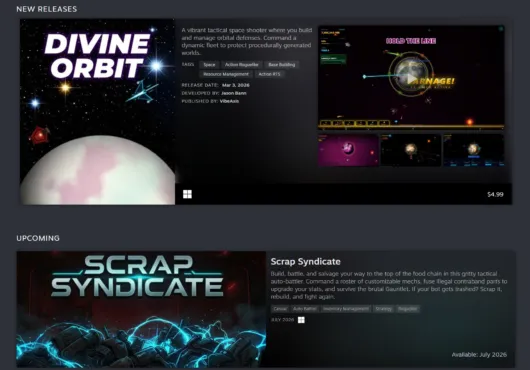
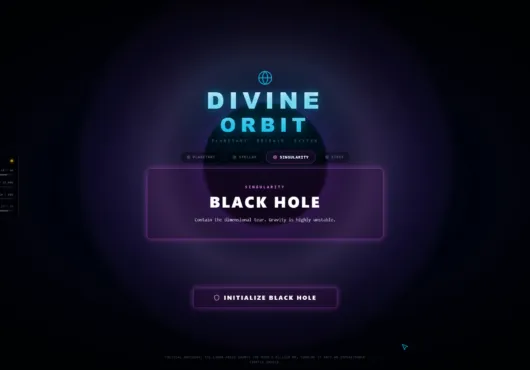
Engines like Unity and Unreal are incredible tools, but they carry an immense amount of overhead. When I started building Divine Orbit, a high-speed planetary defense simulator where you fight mathematically unwinnable cosmic wars, I knew a standard engine approach wasn’t going to work.
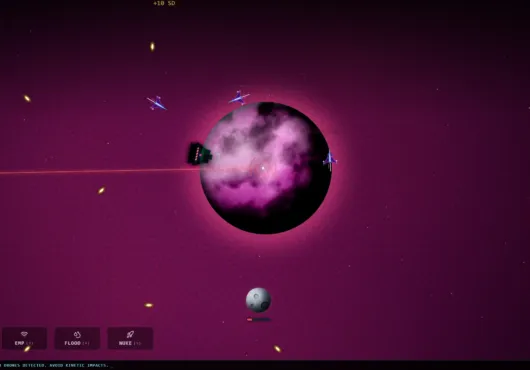
Divine Orbit is a game about dying. A lot. Your orbital ring will get overwhelmed, the swarms will break your perimeter, and Earth will be turned to slag. If players had to sit through a 10-second loading screen every time they failed, the flow state would be entirely destroyed.
The solution was simple, but painful: I had to write the engine from scratch.
Here is a look under the hood at how Divine Orbit manages to render thousands of entities at 144Hz while jumping from total destruction to a fresh run in exactly 0.5 seconds.
Eliminating JavaScript Garbage Collection Stutter with Object Pooling
The biggest enemy of a smooth frame rate in javascript/web-based games isn’t the rendering, it’s the Garbage Collector (GC). Every time you create a new object or array (like defining a new bullet’s coordinates on the fly) inside a fast-moving game loop, you are allocating memory. Eventually, the browser has to pause the game to clean up that memory, which causes those frustrating micro-stutters.
To achieve the “Melt the Screen, Not Your GPU” promise of Divine Orbit, I had to eliminate memory allocation entirely during active gameplay.
Instead of creating new objects when enemies spawn, the engine uses pre-allocated memory pools.
When the game boots, it silently creates massive arrays of empty, inactive entities:
When an explosion happens, the engine doesn’t ask the computer for new memory. It simply grabs an inactive particle from the pool, updates its coordinates, and flips its active state to true. When the explosion finishes, it flips back to false.
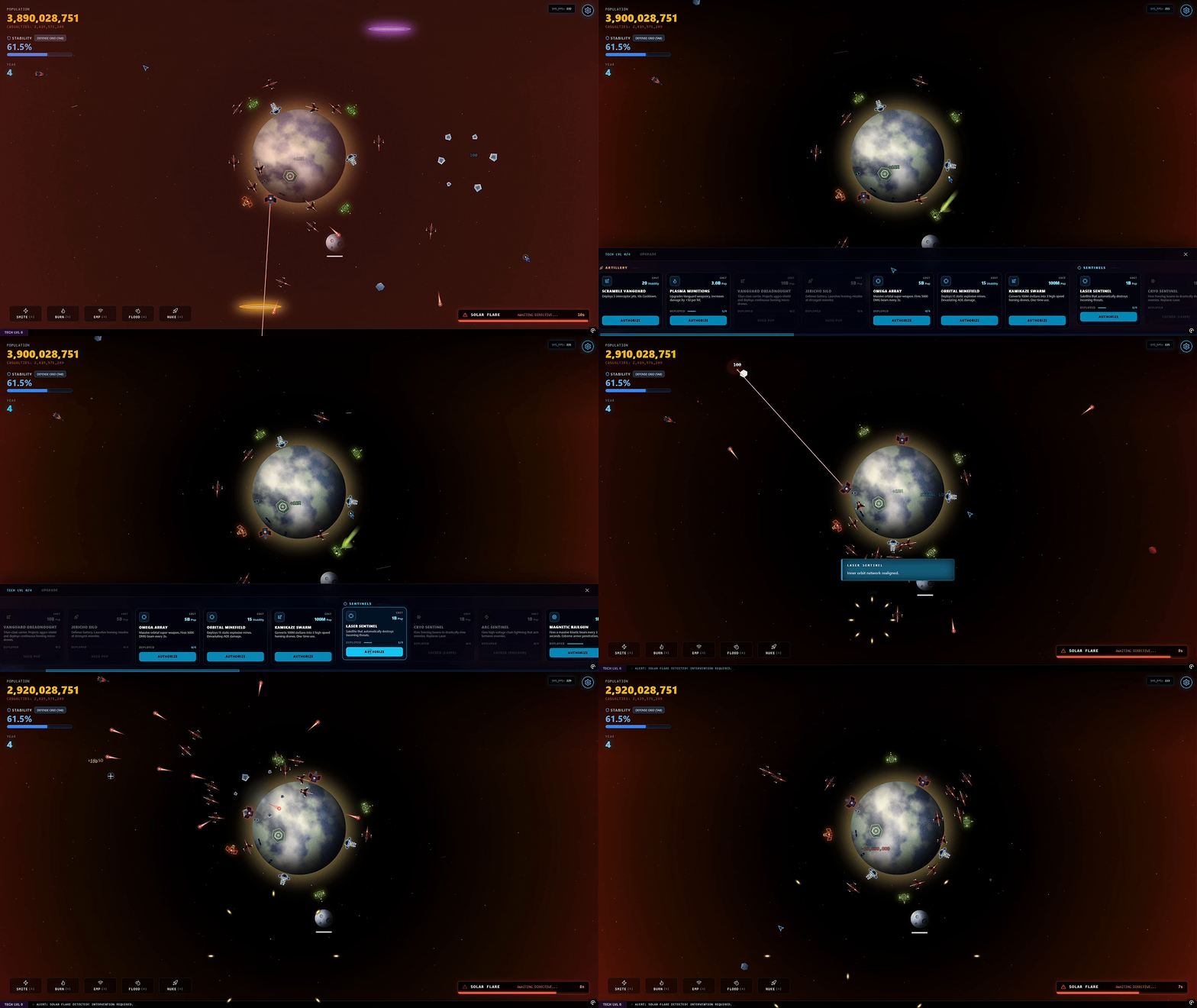
The memory footprint never changes. The garbage collector never wakes up. The frame rate never drops, even when you drop a strategic nuke on a swarm of 500 Void Locusts.
Optimizing 2D Collision Detection: Implementing a Spatial Partitioning Grid
As you survive deeper into a run, the screen fills with varying threats: Siege Cruisers, Phase Shifters, Toxic Gas Clouds, and massive Behemoths.
If every one of your automated satellites had to mathematically check its distance against every single enemy on screen, every single frame, the CPU would catch fire.
To solve this, the engine uses a highly optimized Spatial Partitioning Grid. Instead of iterating over every enemy, the game space is divided into 200×200 pixel cells.
When a satellite needs to fire its lasers, it only checks the cells immediately surrounding it. We also eliminated expensive square root math calculations, opting to compare squared distances instead.
This allows massive orbital defense rings like the Omega Cannon Array or a network of Tesla Gates to instantly acquire targets and vaporize threats without dropping a single frame.
Instant Scene Resets: How to Bypass Asset Loading Latency
Because the engine isn’t bloated with massive scene graphs or heavy asset registries, “restarting” the game is a purely mathematical operation.
When your planet inevitably reaches 0 population, the game doesn’t need to unload a level. It simply calls a core reset function, which instantly wipes the memory pools clean, resets the core stats to their starting values, and fires the main animation loop back up.
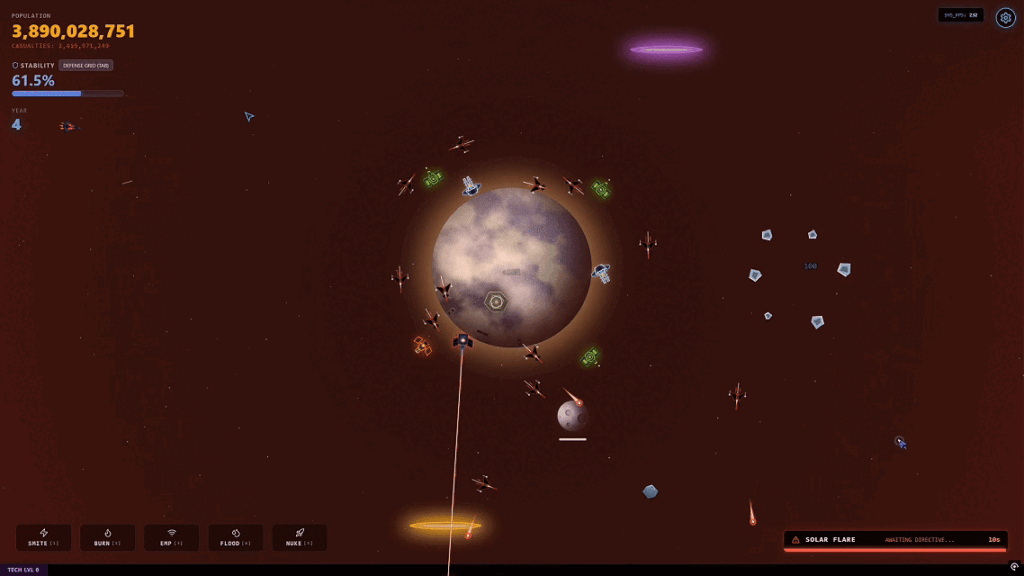
The time between failing a 30-minute run and starting your next attempt is virtually nonexistent.
When Should You Build a Custom Game Engine?
Writing a custom engine is objectively harder than using a commercial tool. You have to manually code the physics, the collision detection, the rendering pipelines, and the audio sync.
But the payoff is absolute control. Divine Orbit doesn’t fight against a generalized framework; every line of code is purpose-built for high-speed triage. It respects your hardware, and more importantly, it respects your time.
If you are tired of 99-cent orbital clickers that lag when more than 10 enemies appear, or you just want to experience what a truly unthrottled, zero-loading defense simulator feels like, you can play the demo of Divine Orbit right now on Steam.
Melt the screen. Not your GPU.
Stop waiting on loading screens. Jump directly into the high-speed orbital triage and see how many thousands of entities our custom engine can handle.